The Cronitor alternative that wakes you.
Cronitor is great for cron and background-job monitoring. If your real worry is website and API uptime, Sitedown is the closer fit: multi-region checks, SSL and domain expiry, branded status pages and a call-style phone alarm that wakes you.
Free, no card. Add your own site and watch it in under a minute. See how it works · Pricing

Sitedown vs Cronitor, feature by feature.
The same uptime you rely on, plus the confirmation, status pages and alarm most teams wish they had switched to sooner.
| Feature | Cronitor | Sitedown |
|---|---|---|
| Website & API uptime | ||
| Multi-region confirmation | Limited | |
| SSL & domain expiry alerts | Partial | |
| Branded status pages | ||
| Maintenance windows | Limited | |
| Incident management | ||
| Call-style phone alarm | ||
| Free tier | ||
| Starting price | $10/mo | $4.95/mo |
Why teams pick Sitedown over Cronitor.
Cronitor built its name on something most monitors ignore: cron jobs and background tasks. If a scheduled job silently stops running, Cronitor tells you, and its healthchecks and metrics are genuinely good. For teams whose pain is invisible background failures, it is a strong tool.
The reason teams look for a Cronitor alternative is usually that website and API uptime, not cron, is their main worry, and they want branded status pages and a louder alert. Sitedown focuses on exactly that: multi-region website, API and server checks, SSL and domain expiry, branded status pages, and a call-style phone alarm that wakes you.
Sitedown starts free with no card and watches your first endpoint in under a minute. See the plan on the pricing page; yearly billing runs about 25% under monthly.

Switching from Cronitor to Sitedown.
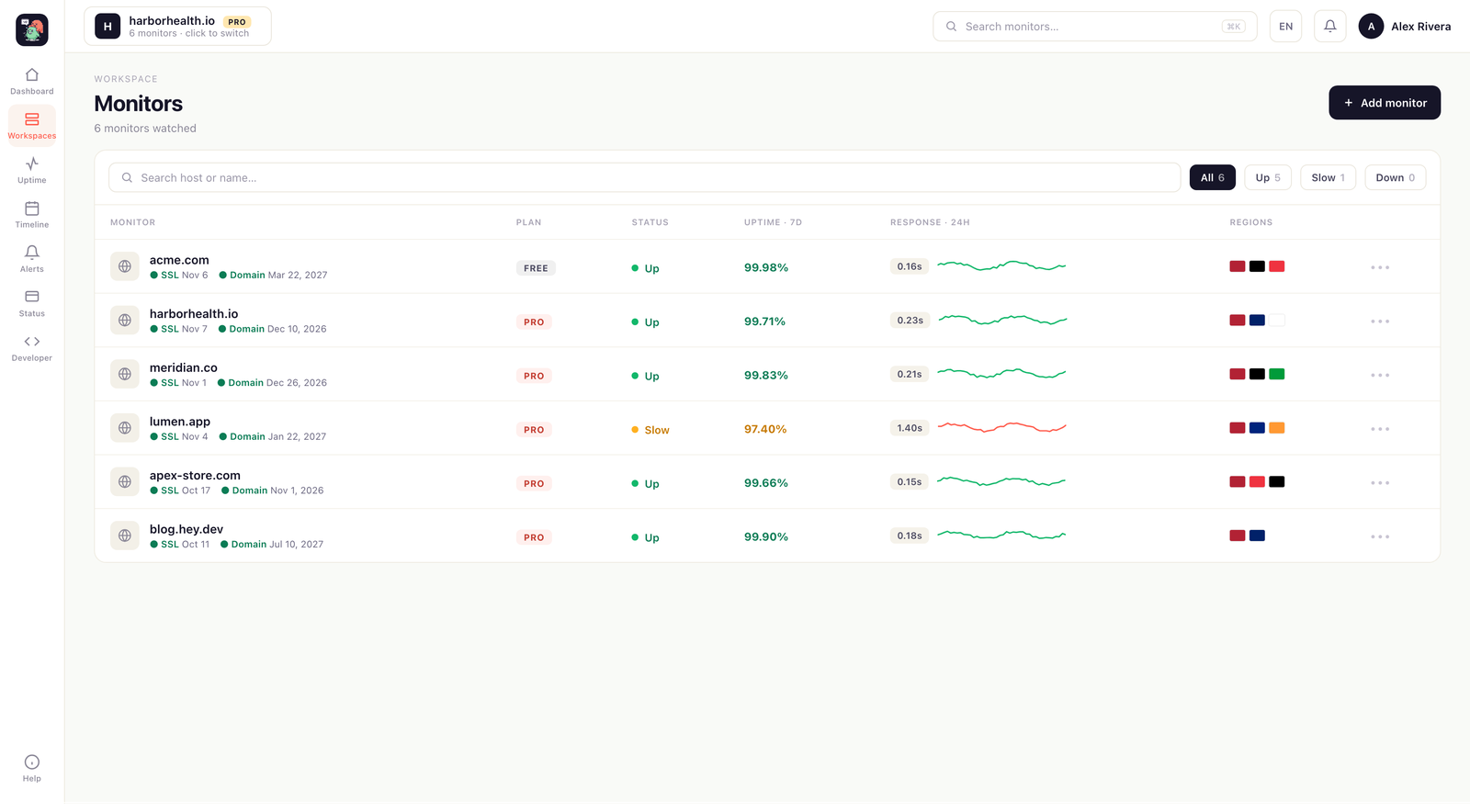
If your main need is website and API uptime, Sitedown covers it directly: HTTP, ping, TCP, DNS, API and keyword checks from multiple regions, with confirmation before a page fires. SSL and domain expiry are watched for you, and response-time history flags a slow endpoint before it becomes a down one.
You also get a branded status page on your own domain with 90-day history, and a call-style phone alarm that rings through Do Not Disturb, alongside Slack, Discord, Telegram, email and webhook alerts. If you also run cron jobs, keep Cronitor for those; many teams run both.
Migration is quick because there is nothing to install to begin. Add your endpoints, choose your alert channels, and publish a status page. The free tier needs no card, and annual billing is about 25% cheaper than monthly.
Free site monitoring, not a trial.
Most people looking for free website monitoring end up on a 14-day trial that turns into a bill. Sitedown gives you real free uptime monitoring: watch 10 monitors on a 15-minute interval, get a branded status page, and keep SSL and domain-expiry alerts, with no credit card. It covers website, API and server uptime with response-time history and mobile-app alerts, so you see a problem the moment it starts. When you outgrow uptime monitoring free, one flat plan adds one-minute checks, multi-region confirmation, every alert channel and unlimited status pages, no per-seat tax. Website uptime monitoring free is a real plan here, not bait.
Compare Sitedown with the rest.
How to switch from Cronitor without a monitoring gap.
Migrating off Cronitor is a five-minute job, not a project. You keep Cronitor live while you set Sitedown up, move your sites and alerts across, publish a branded status page, and only then cancel. Here is the exact order.
-
01
Keep Cronitor running while you set up
No rip-and-replace. Create a free Sitedown account and add your sites there first, and Cronitor stays live the whole time, so there is never a monitoring gap during the move.
-
02
Add your sites and endpoints
Point Sitedown at the same URLs, domains and API endpoints you watch in Cronitor. Uptime checks, SSL and domain-expiry monitoring and a public status page turn on the moment a site is added: no agent to install, no DNS change.
-
03
Wire up the alerts you already use
Connect email, Slack, Discord, Telegram or a signed webhook, and install the Sitedown Alerts phone app. The call-style Alarm level rings through silent mode and Do Not Disturb for the 3am outage you cannot sleep through, something Cronitor cannot do.
-
04
Publish a branded status page
Stand up a status page on your own domain with real 90-day history and incident timelines, so your users stop emailing "is it just me?" during an outage. It goes live in minutes, with nothing Cronitor asks you to host yourself.
-
05
Run both for a cycle, then cancel Cronitor
Watch the two side by side for a billing cycle. Once you trust the Sitedown checks, alerts and status page, cancel Cronitor and consolidate. Most teams find the multi-region confirmation and the phone alarm are the parts they wish they had switched to sooner.
Frequently asked questions.
Everything people ask before they switch from Cronitor. Still unsure? We are one message away.
Yes. If website and API uptime with branded status pages and a strong alert is your priority, Sitedown is the closer fit. It runs multi-region checks, watches SSL and domain expiry, and rings a call-style phone alarm.
Sitedown focuses on website, API and server uptime rather than cron healthchecks. If cron and background-job monitoring is core to your work, Cronitor is stronger there, and many teams run both tools side by side.
In minutes for the uptime side. There is nothing to install; you add your endpoints, checks begin from multiple regions, and you route alerts to email, Slack, Discord, Telegram, webhooks or the phone-app alarm.
Yes, with no card. Free covers uptime monitoring, a status page and the mobile app. Pro adds one-minute checks, multi-region confirmation and every alert channel.
Through Slack, Discord, Telegram, email, webhooks and a mobile app that can ring a call-style alarm through Do Not Disturb until you acknowledge it. You choose the level per site and per event.
Better monitoring, for free.
No card, no install. Add your site and get multi-region uptime checks, SSL and domain expiry alerts, a branded status page and a phone alarm in one account.